Luma

A native personal-finance app shaped around clear monthly planning, transaction review, bills, goals, and cash-flow insights.

Native mobile app · 26 captured screens

Getting started

The complete entry path—from first introduction and account creation through setup, sign-in, and the returning-user lock screen.
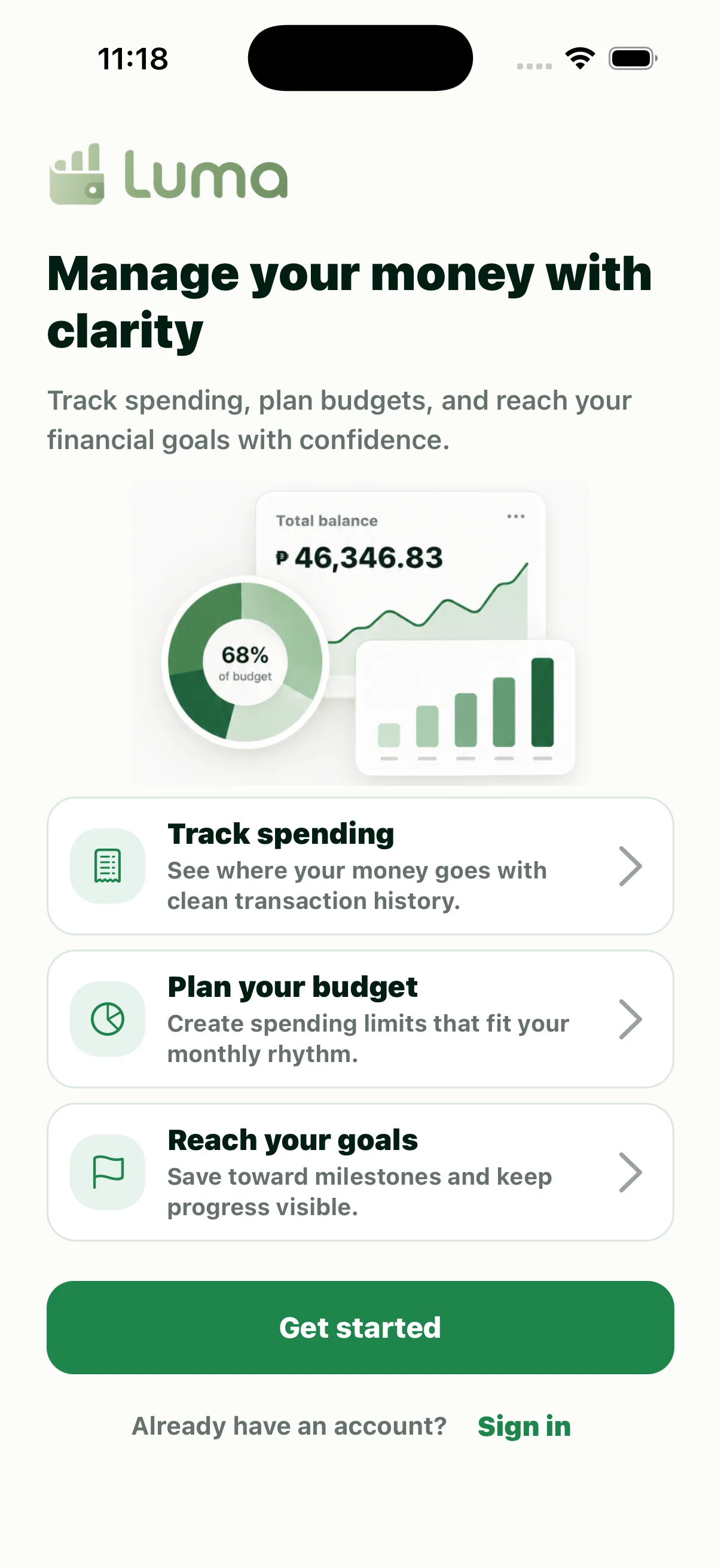
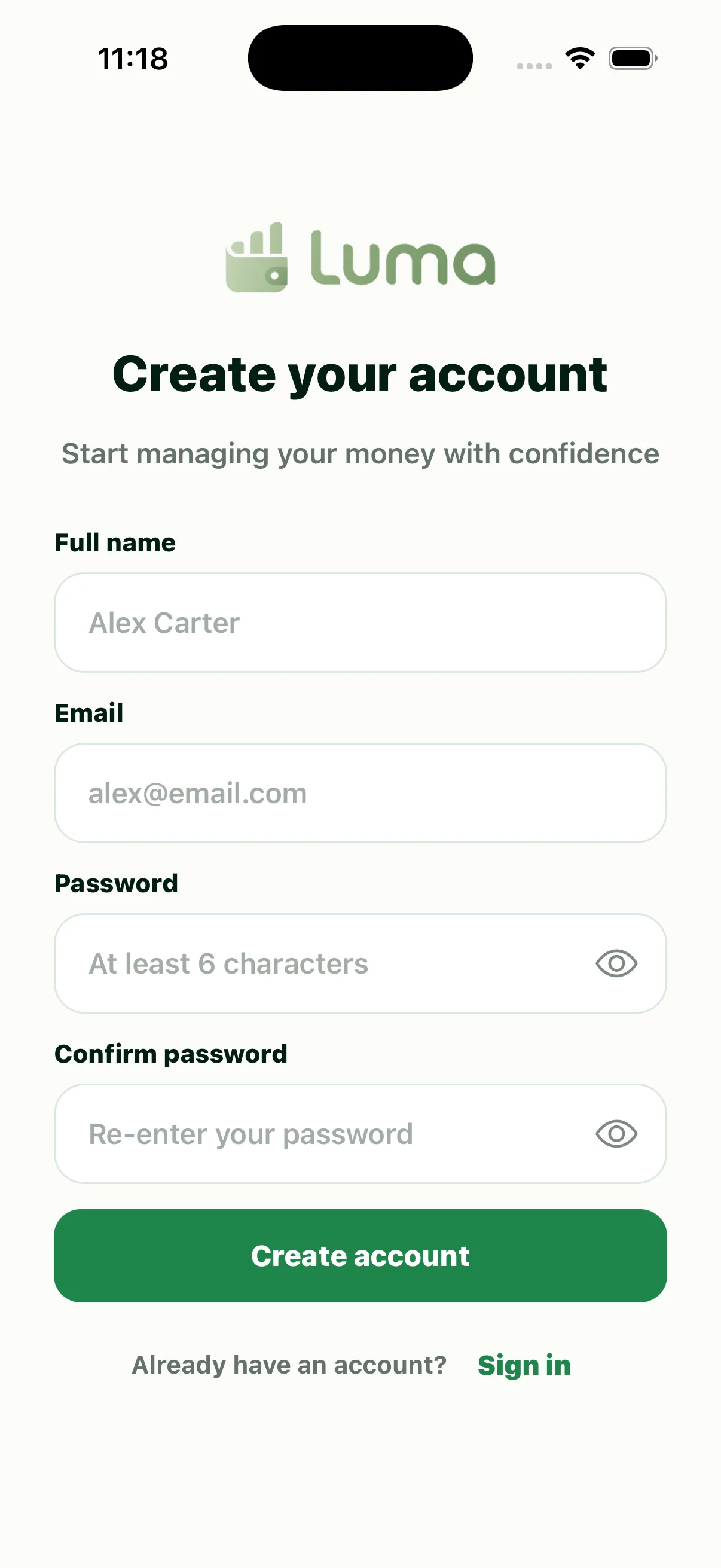
Luma Onboarding screen
Onboarding
Luma Create Account screen
Create Account
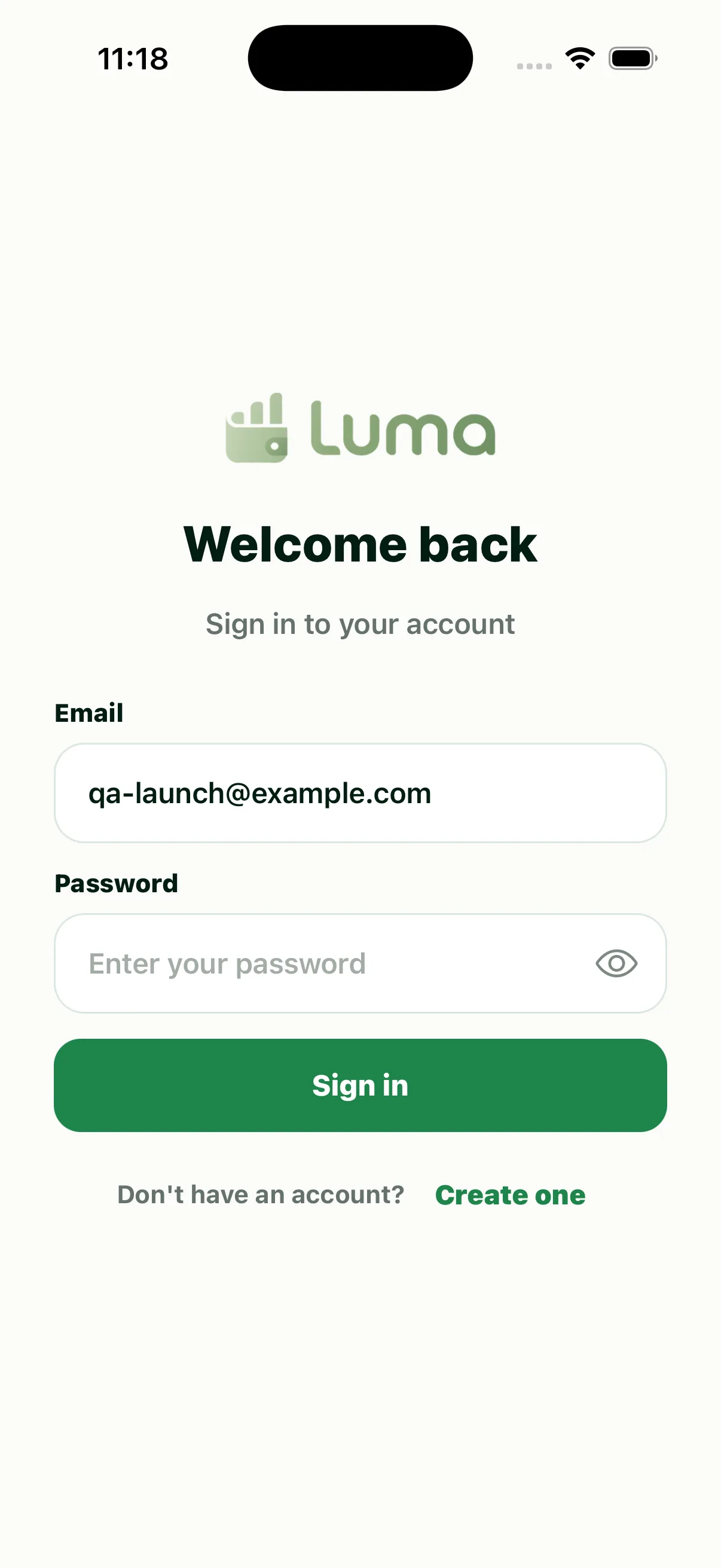
Luma Sign In screen
Sign In
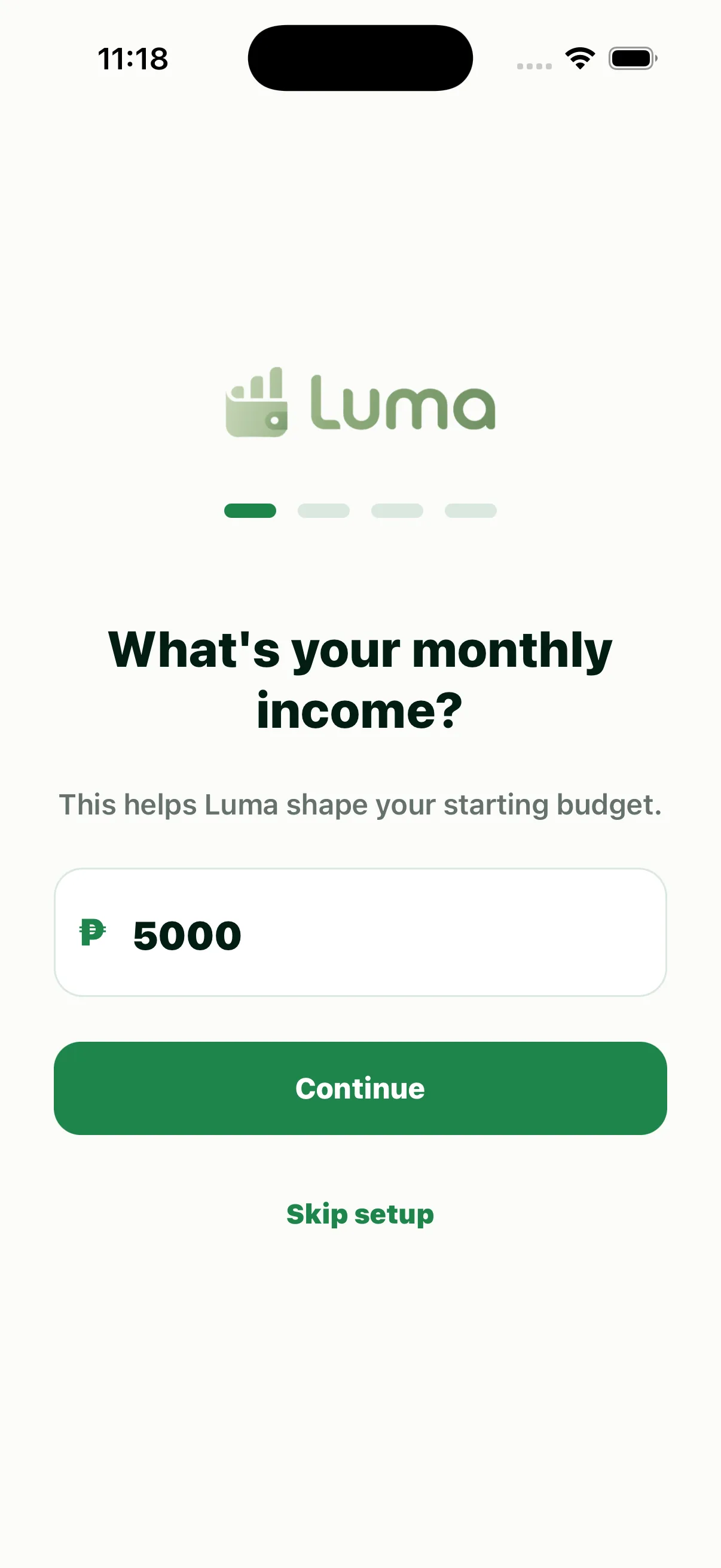
Luma Initial Setup screen
Initial Setup
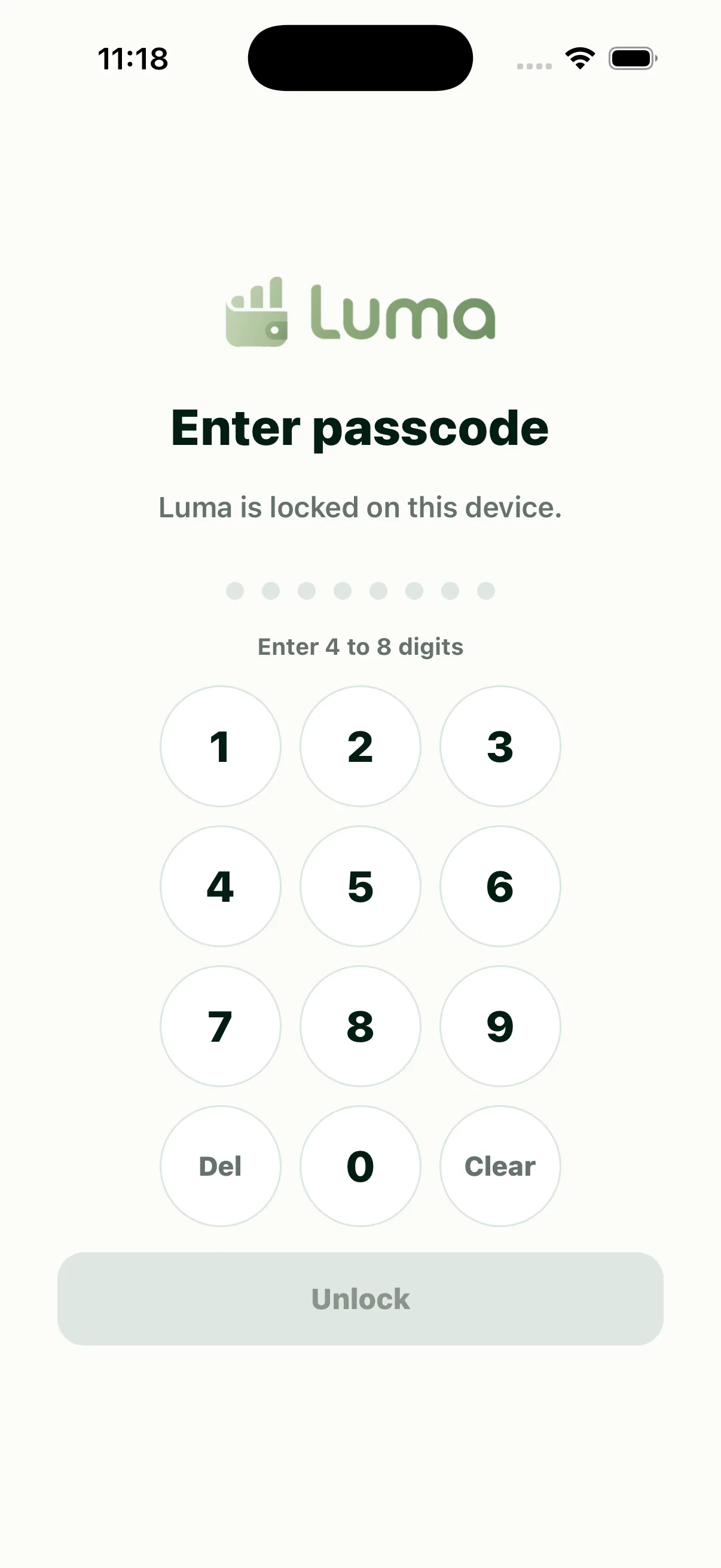
Luma App Lock screen
App Lock

Everyday money

The core product loop: understand the month, review activity, manage a budget, and move between the app’s primary areas.
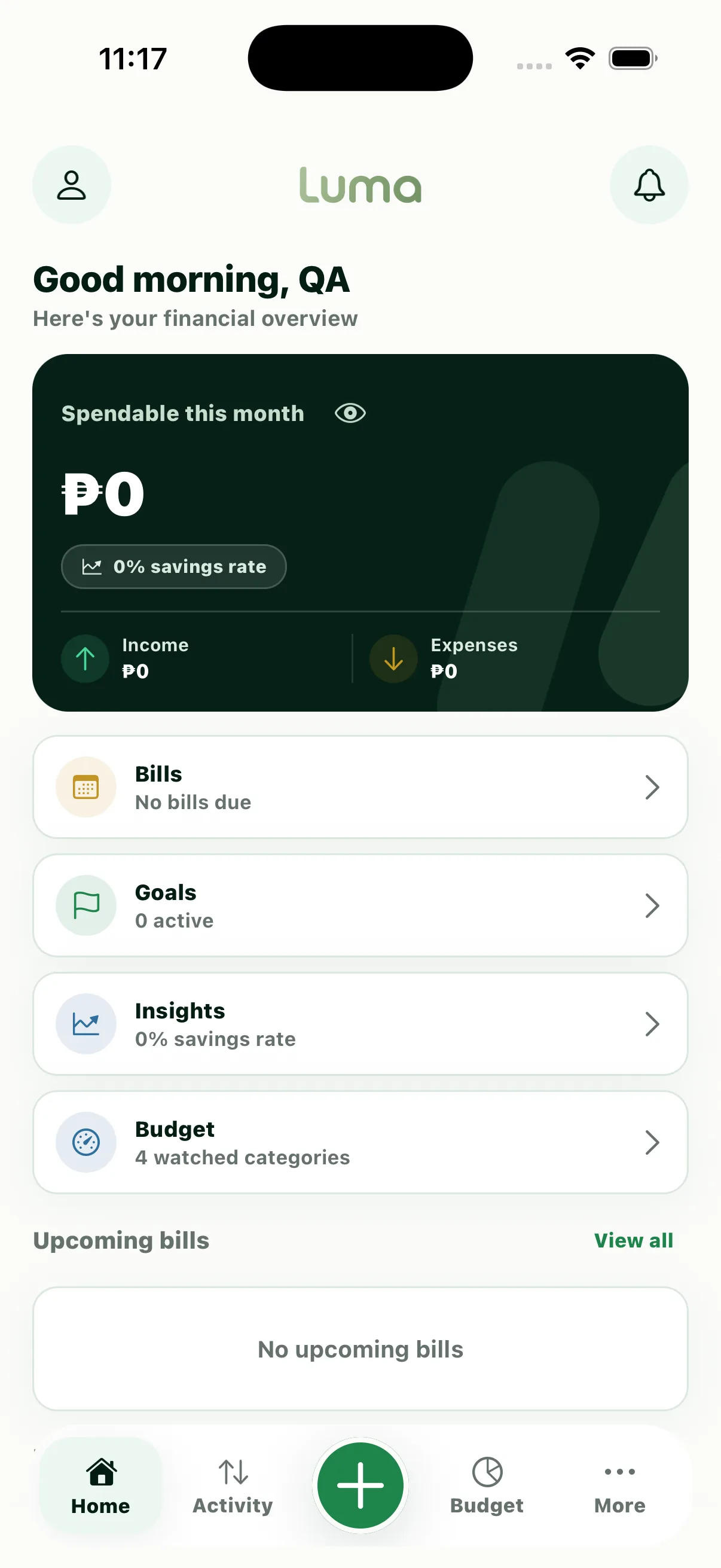
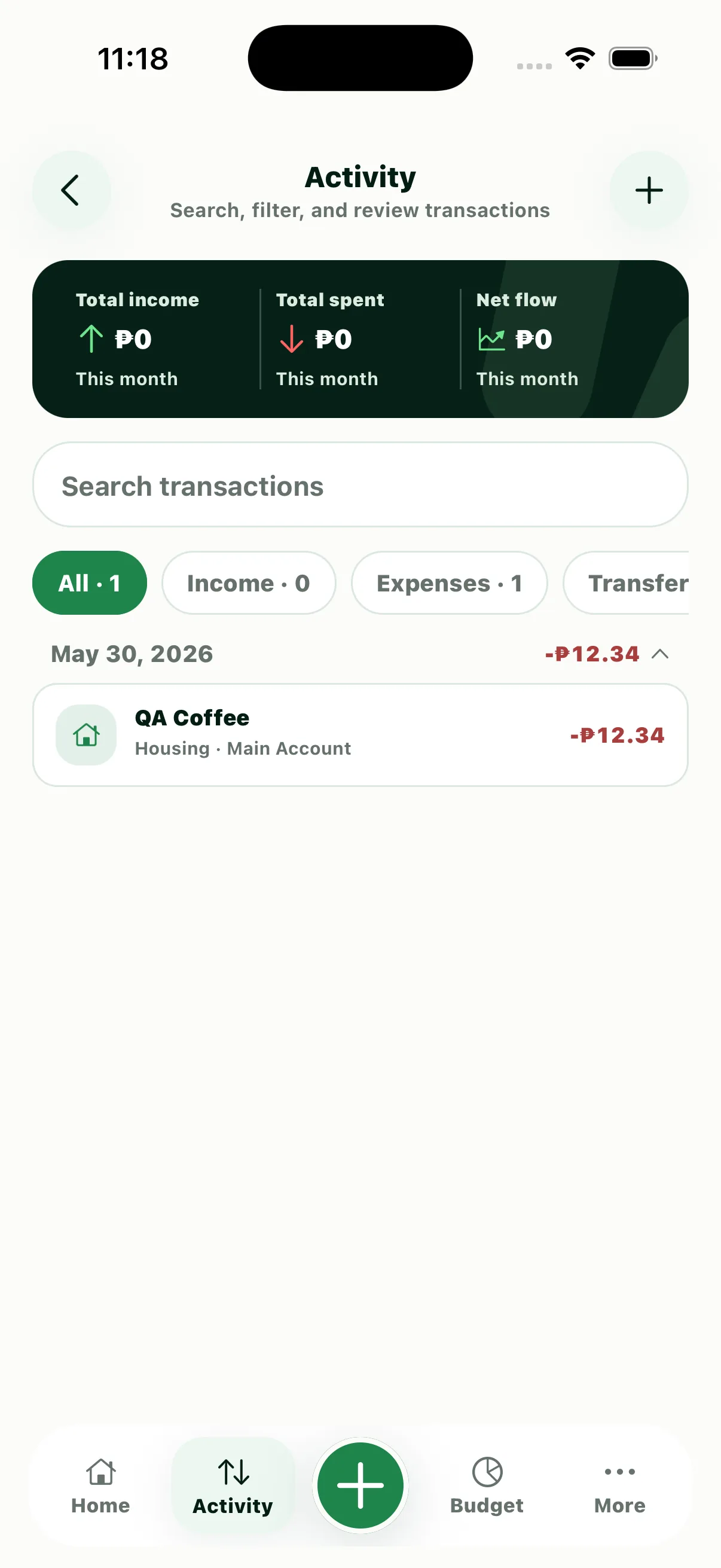
Luma Home screen
Home
Luma Activity screen
Activity
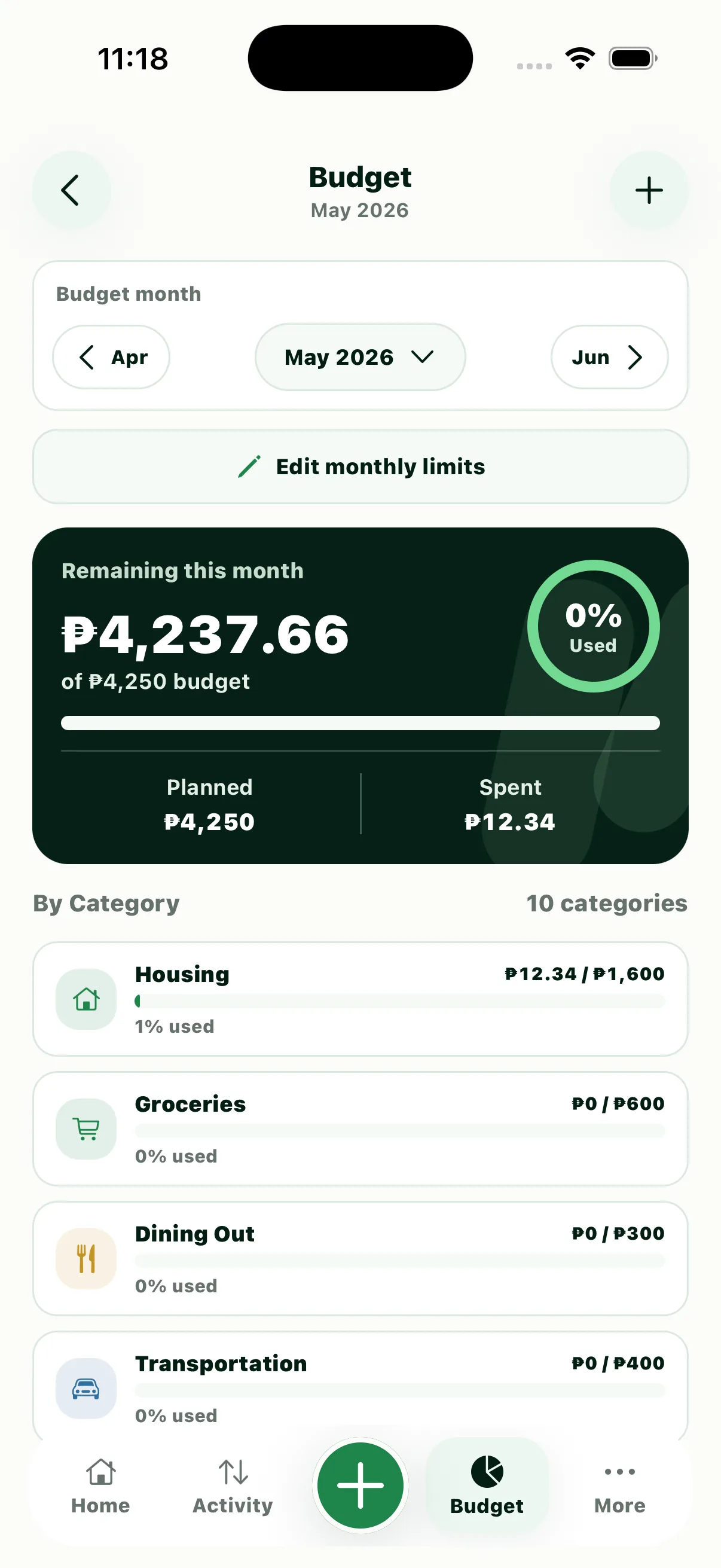
Luma Budget screen
Budget
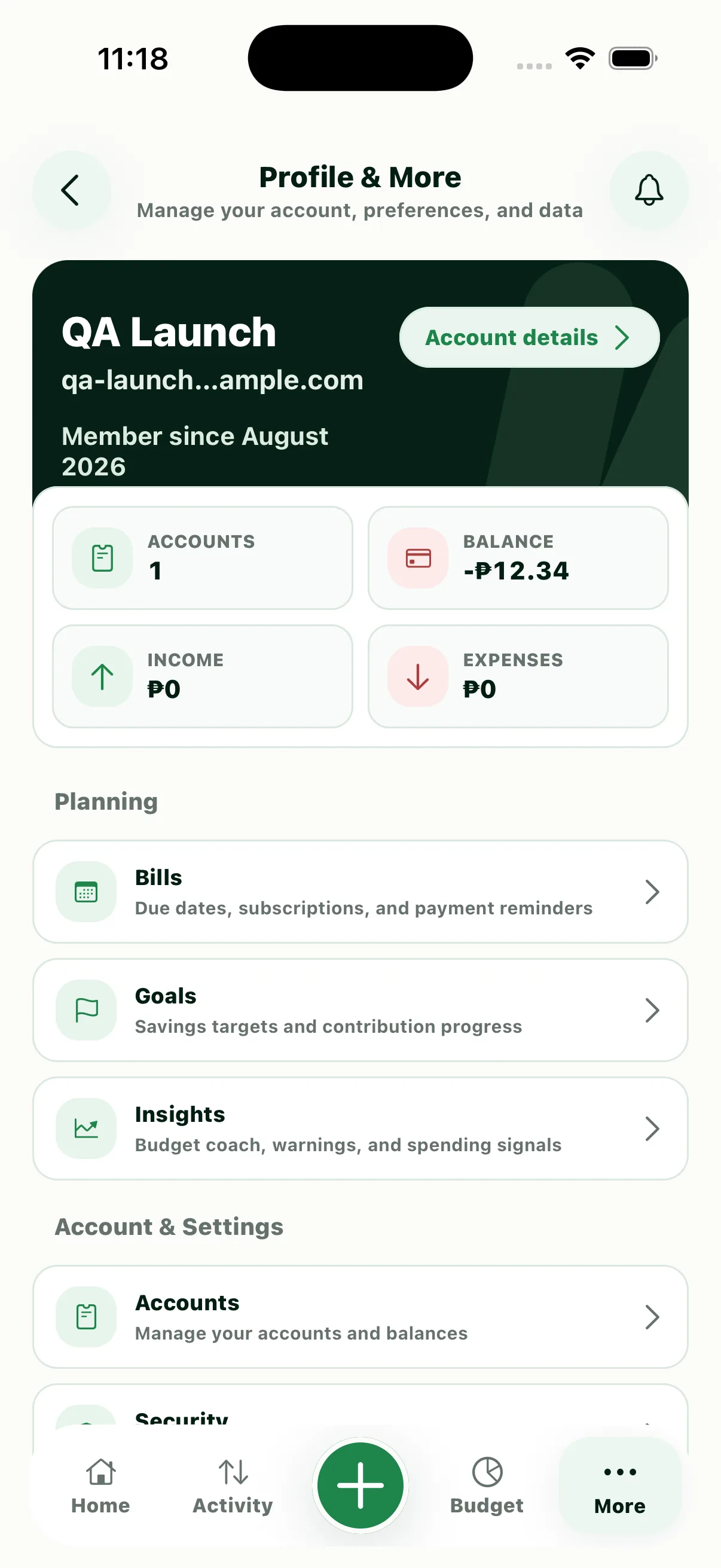
Luma Profile & More screen
Profile & More

Planning & insight

Tools for staying ahead of recurring commitments, setting targets, understanding patterns, and seeing what needs attention.
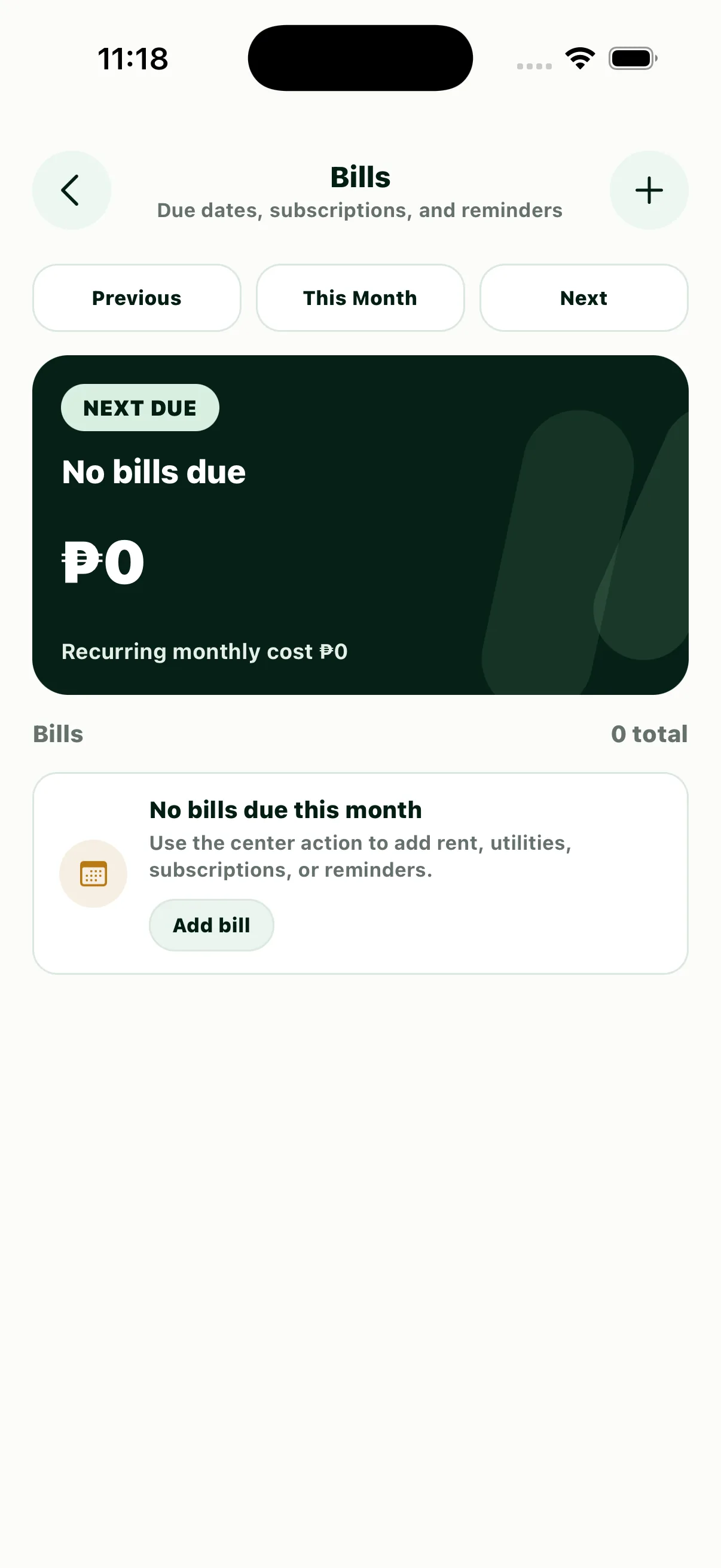
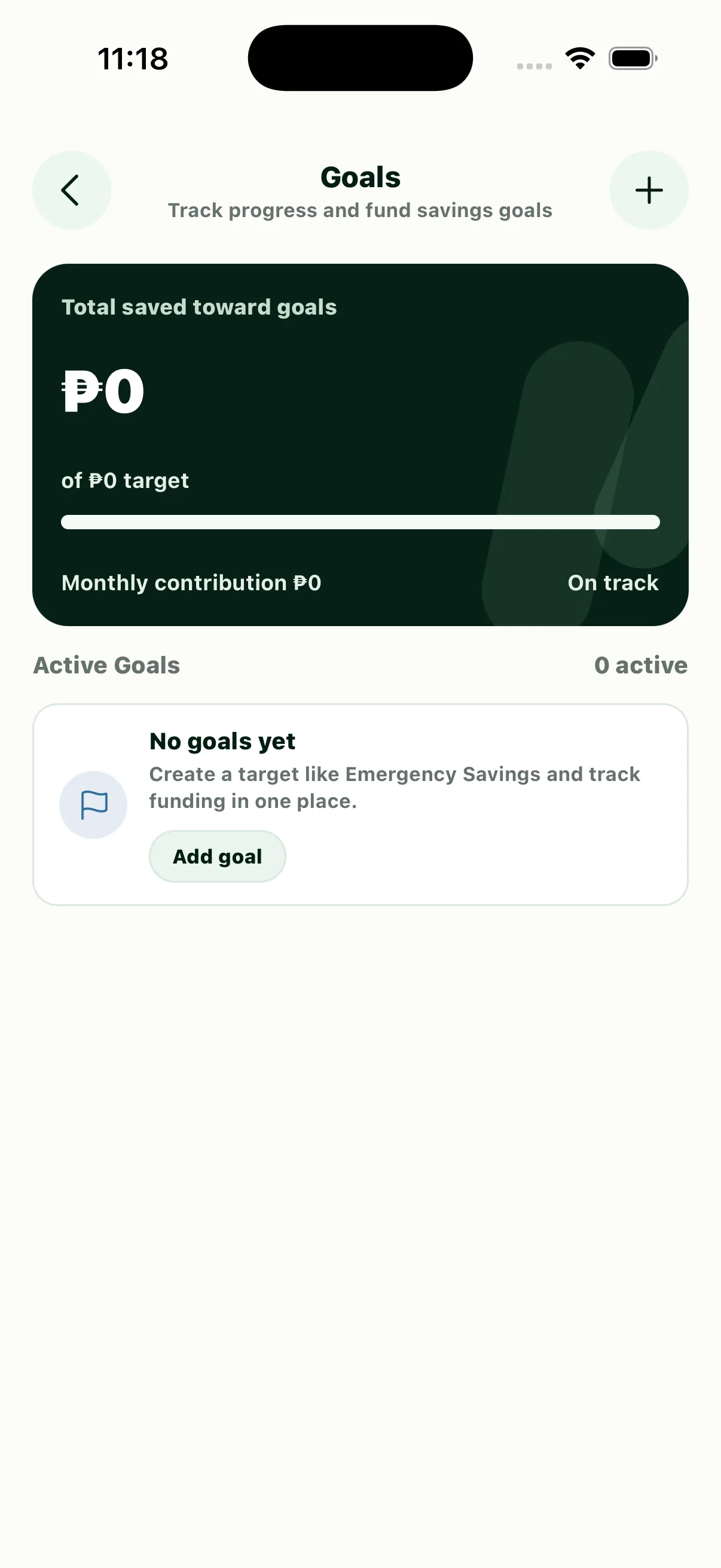
Luma Bills screen
Bills
Luma Goals screen
Goals
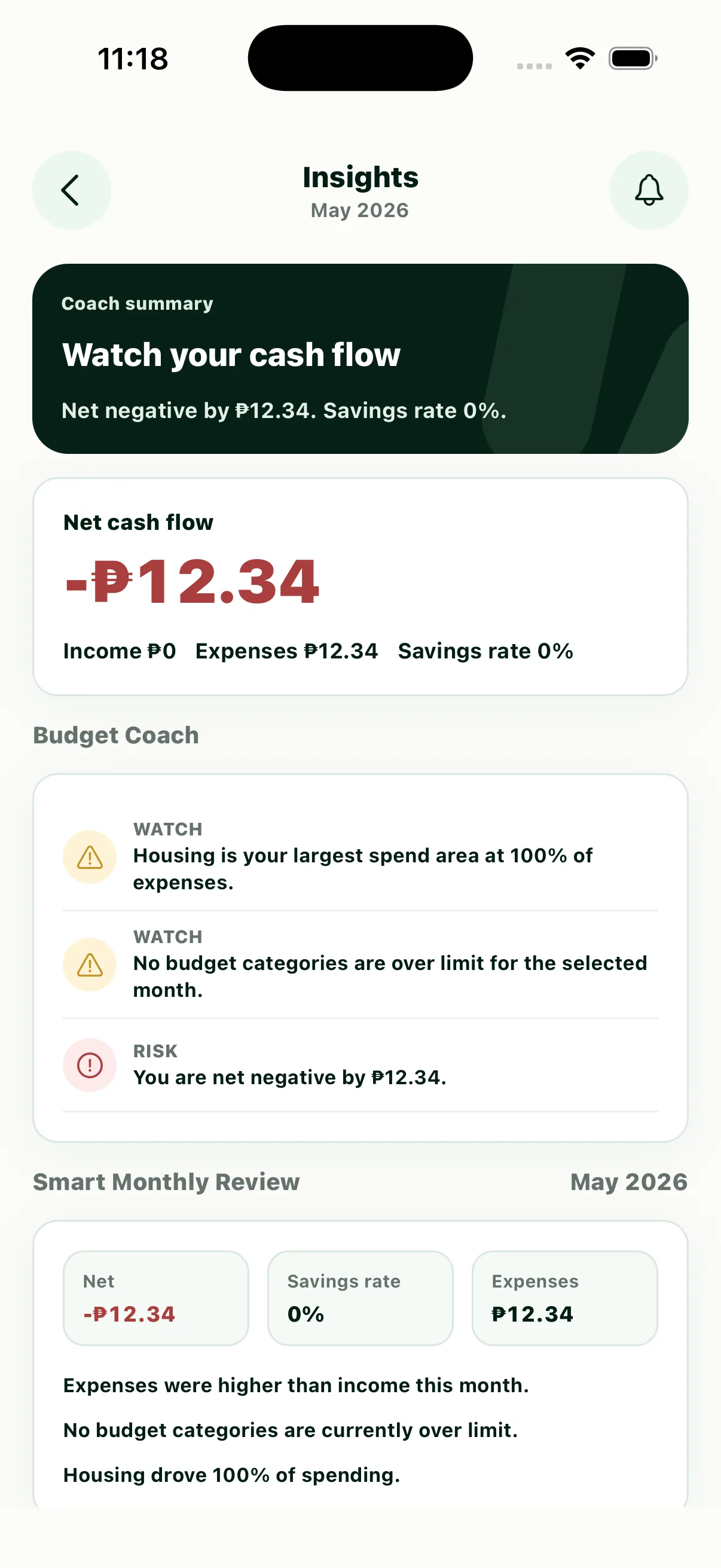
Luma Insights screen
Insights
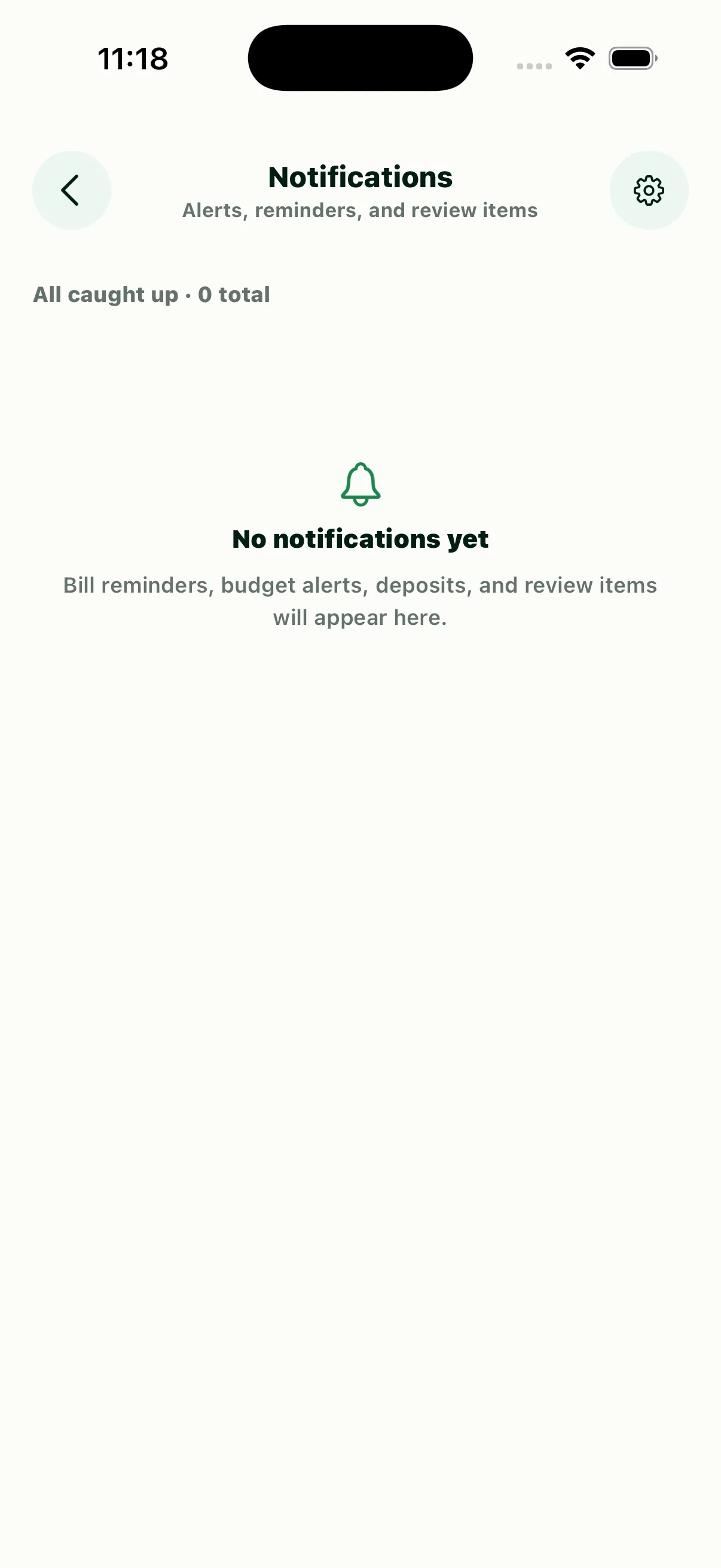
Luma Notifications screen
Notifications

Control & preferences

Account structure, categories, personal data, help, notification preferences, and security controls in one coherent settings system.
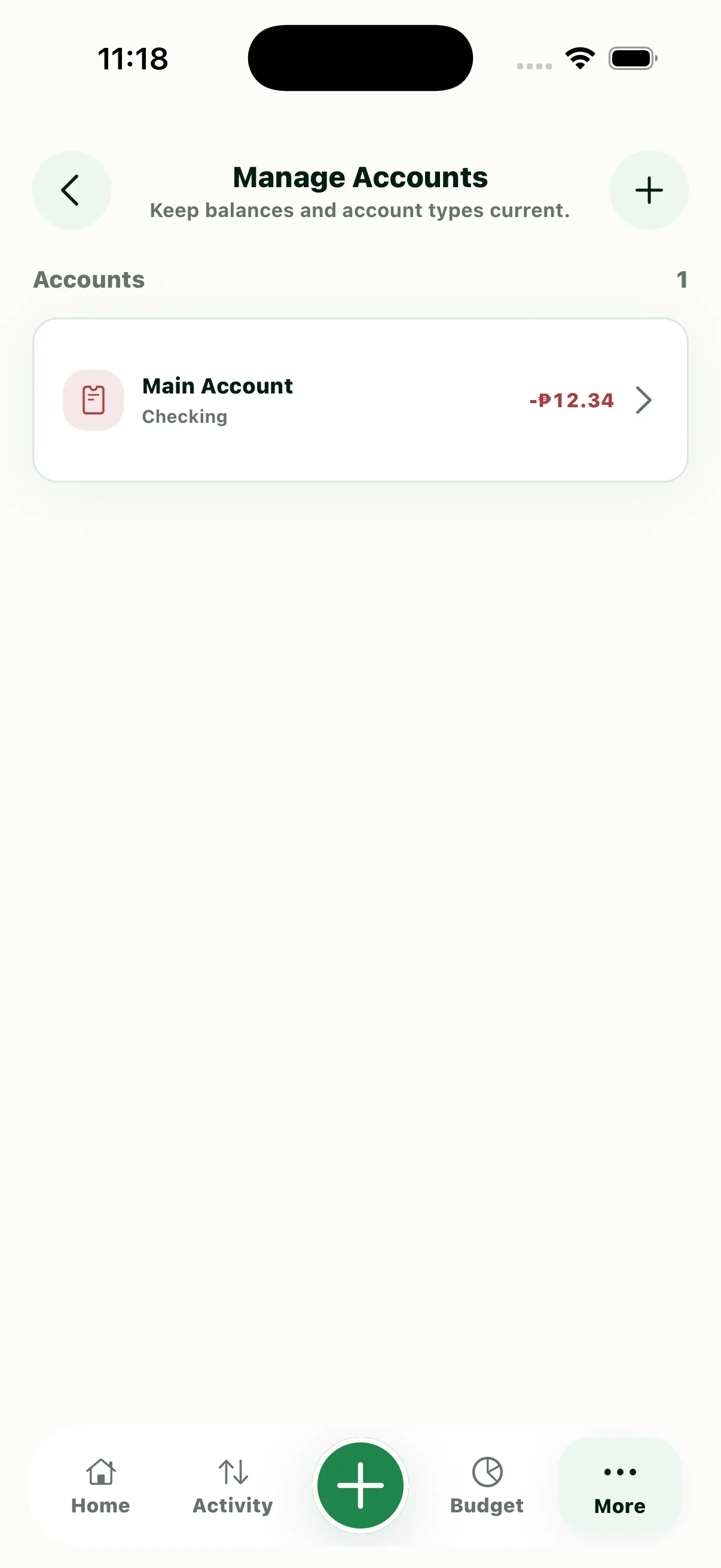
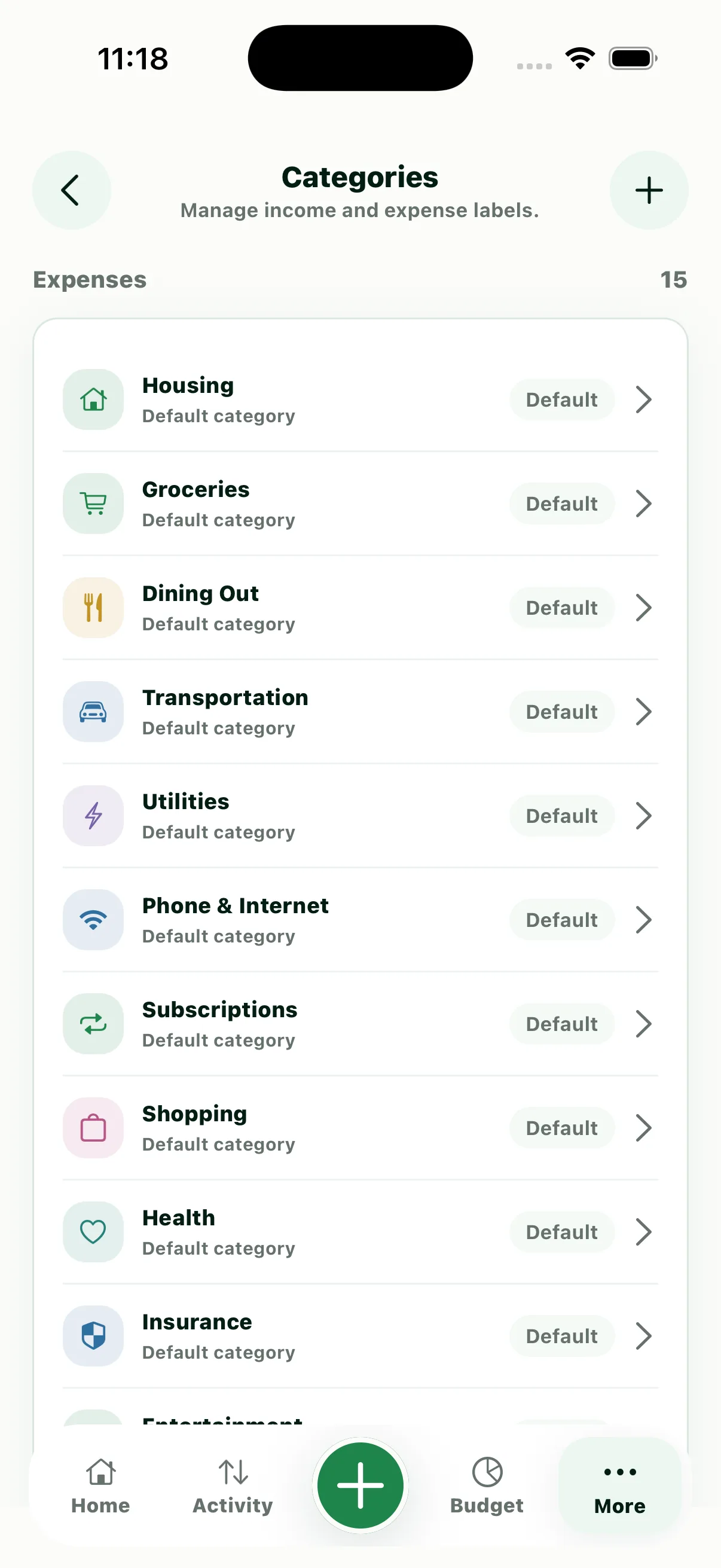
Luma Manage Accounts screen
Manage Accounts
Luma Categories screen
Categories
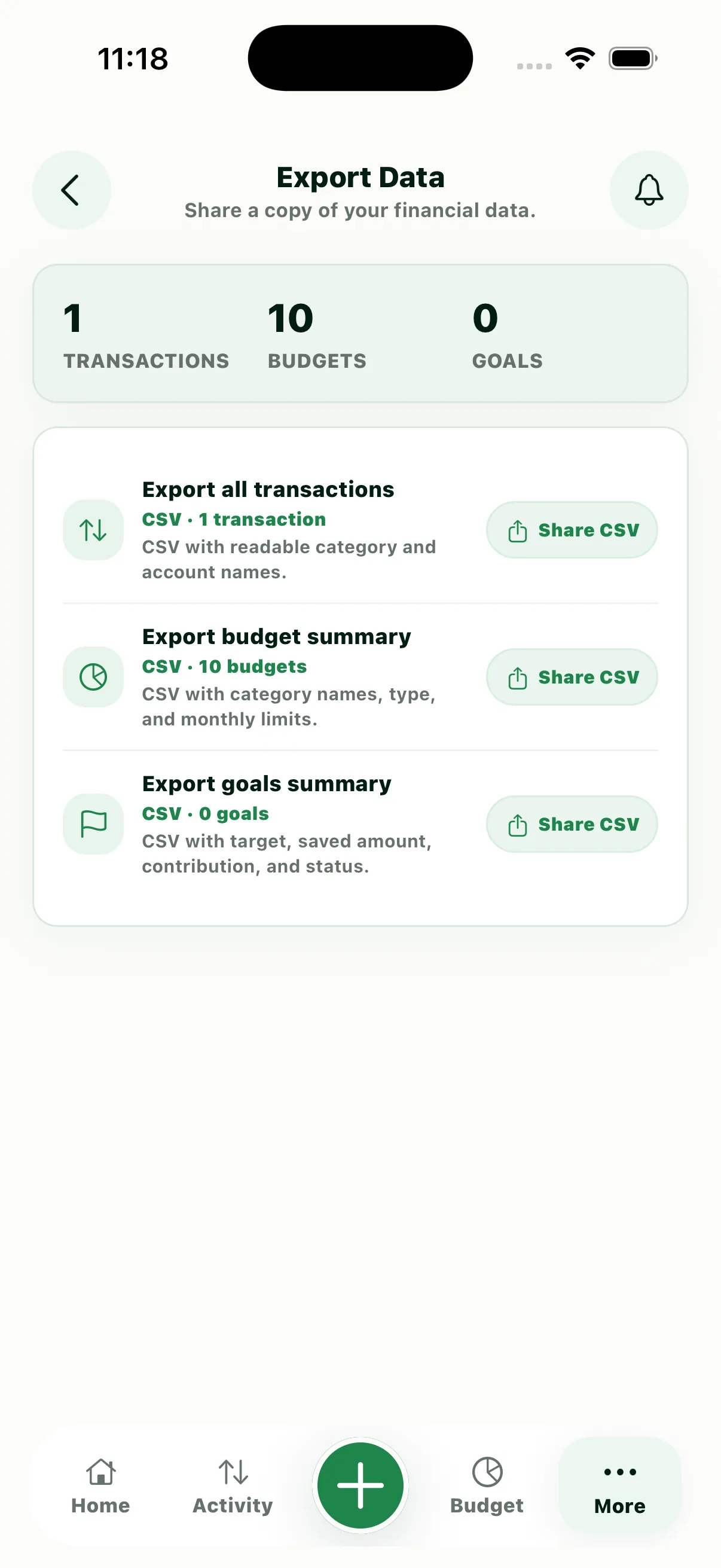
Luma Export Data screen
Export Data
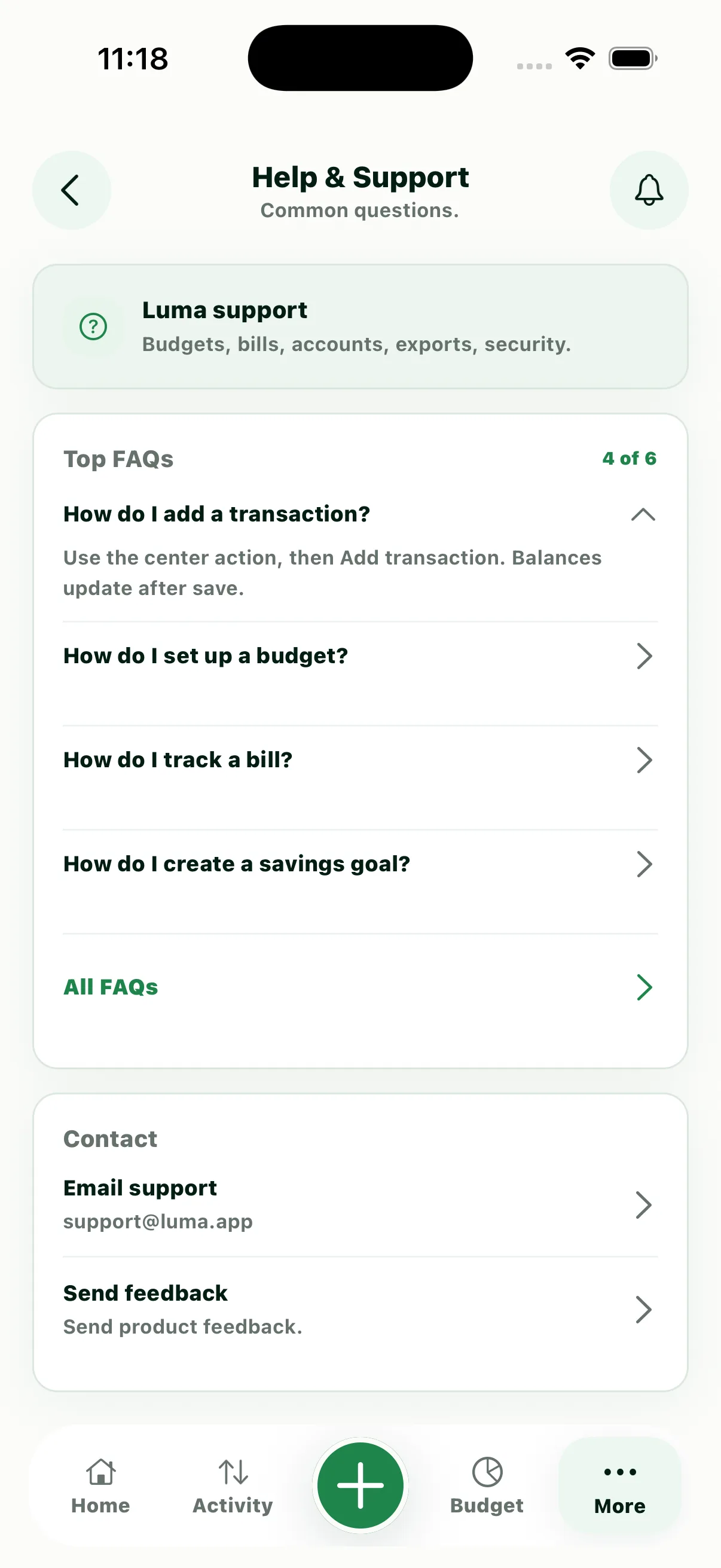
Luma Help & Support screen
Help & Support
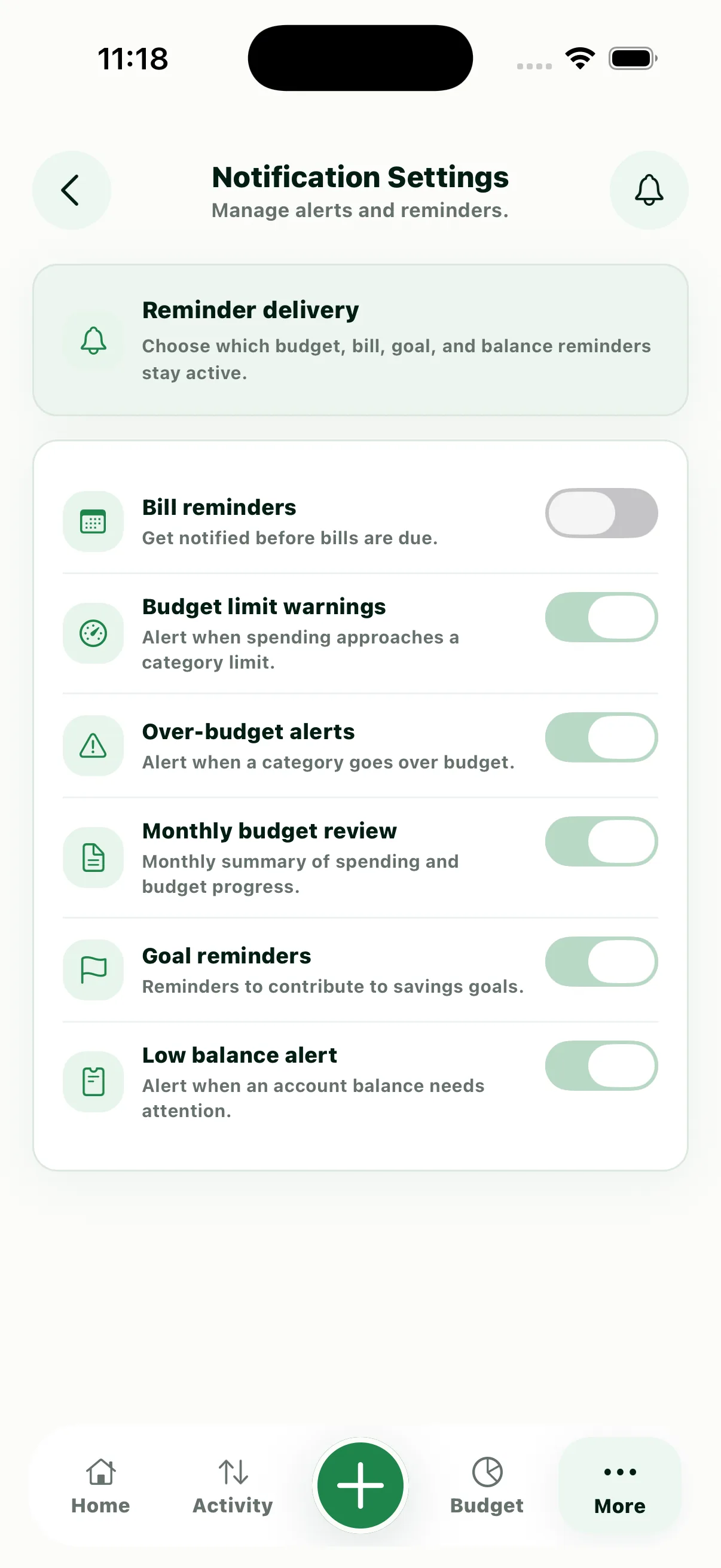
Luma Notification Settings screen
Notification Settings
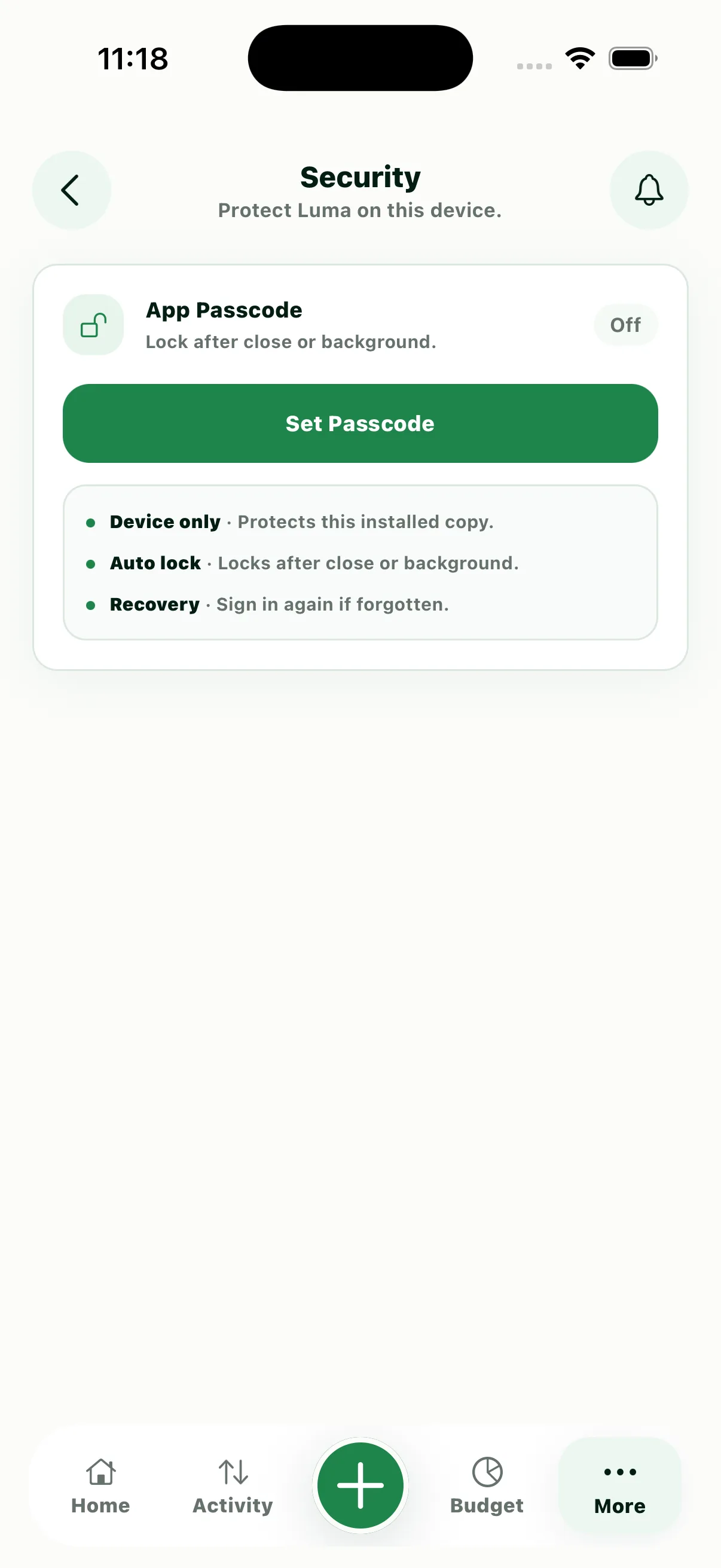
Luma Security screen
Security

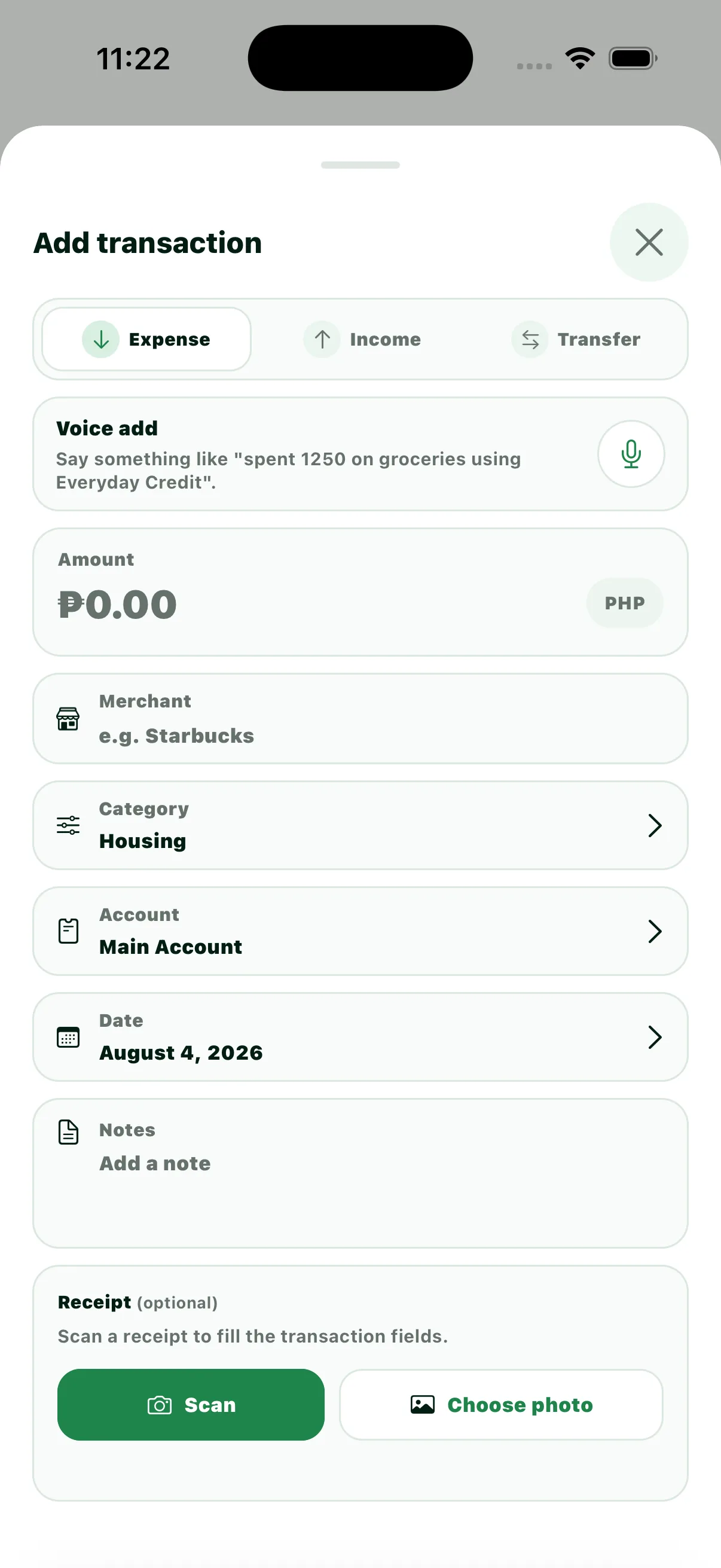
Quick creation

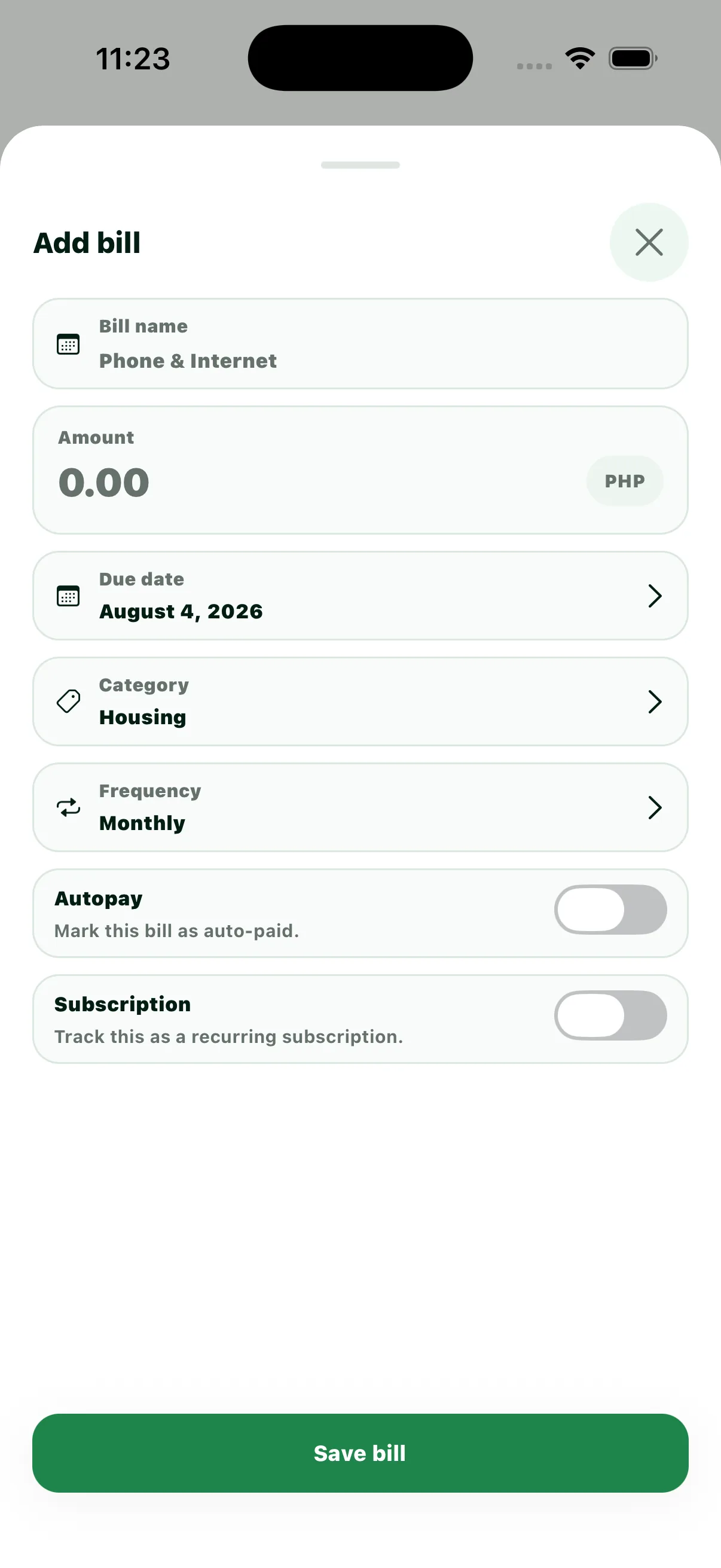
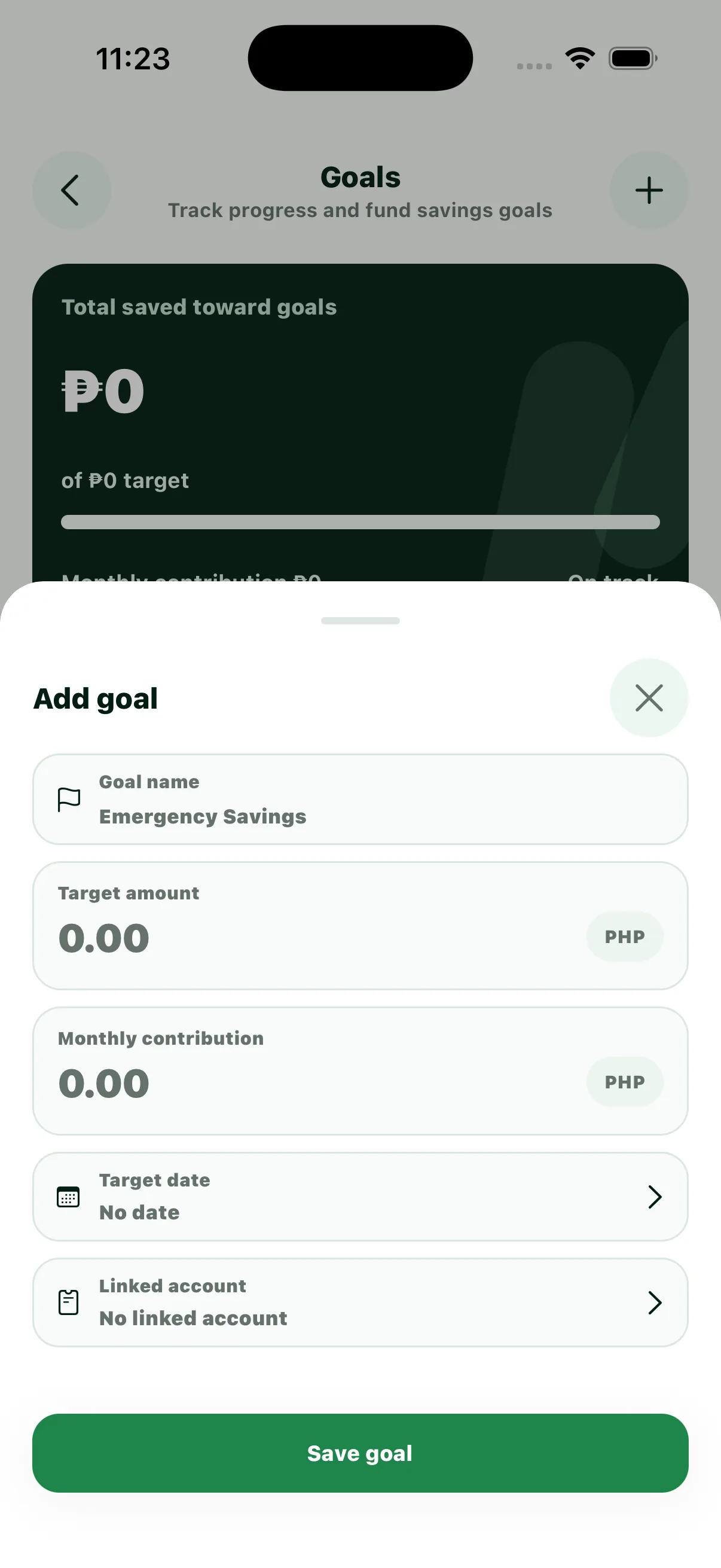
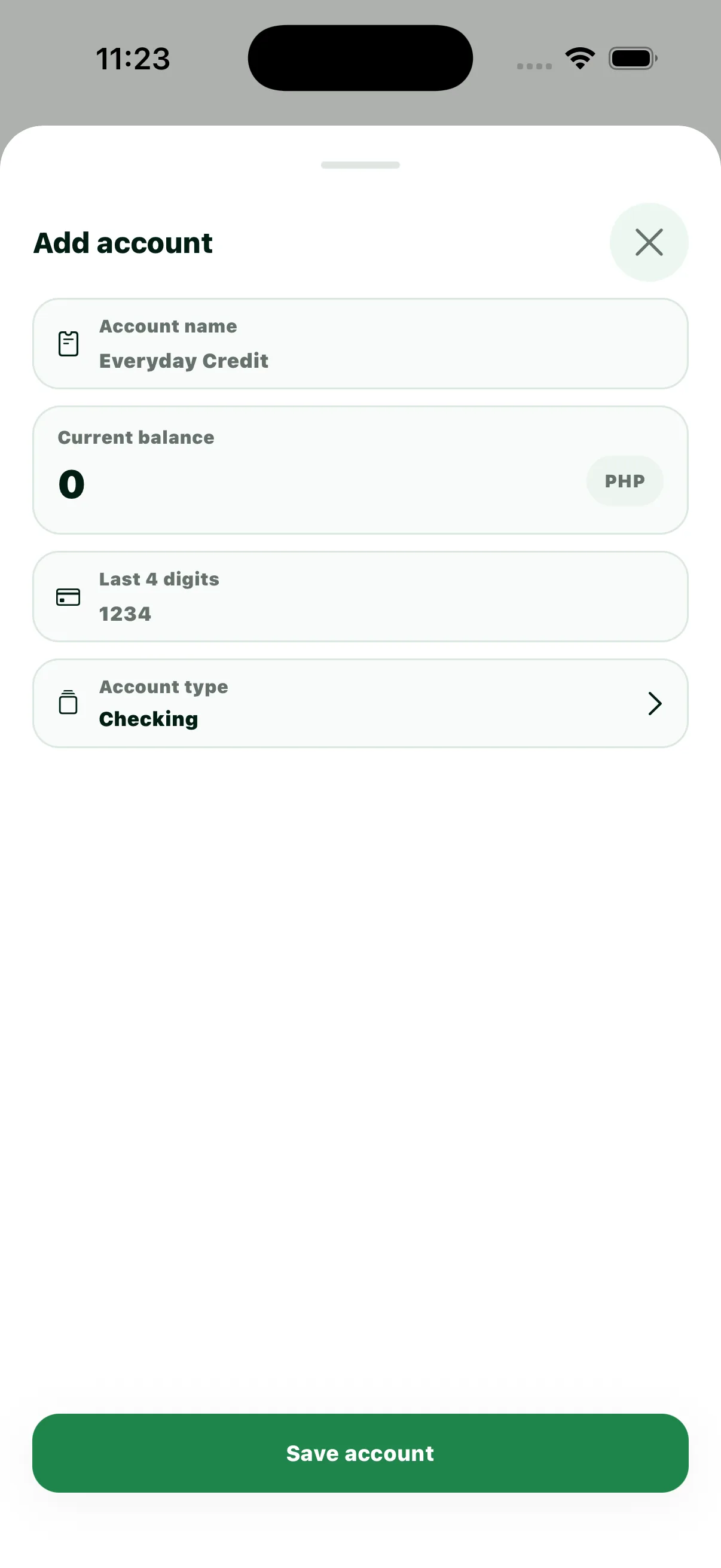
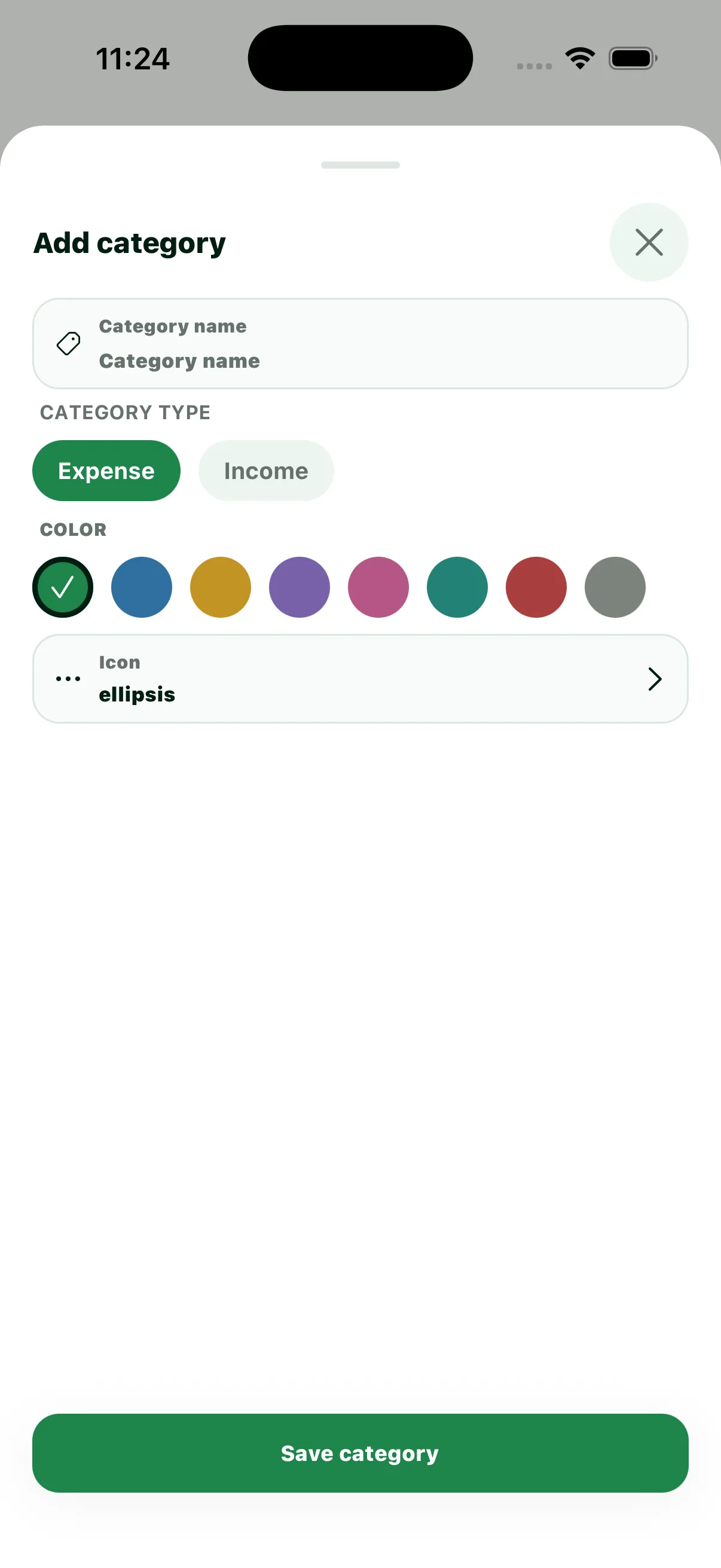
Focused action sheets keep common financial tasks fast without taking the user away from their current context.
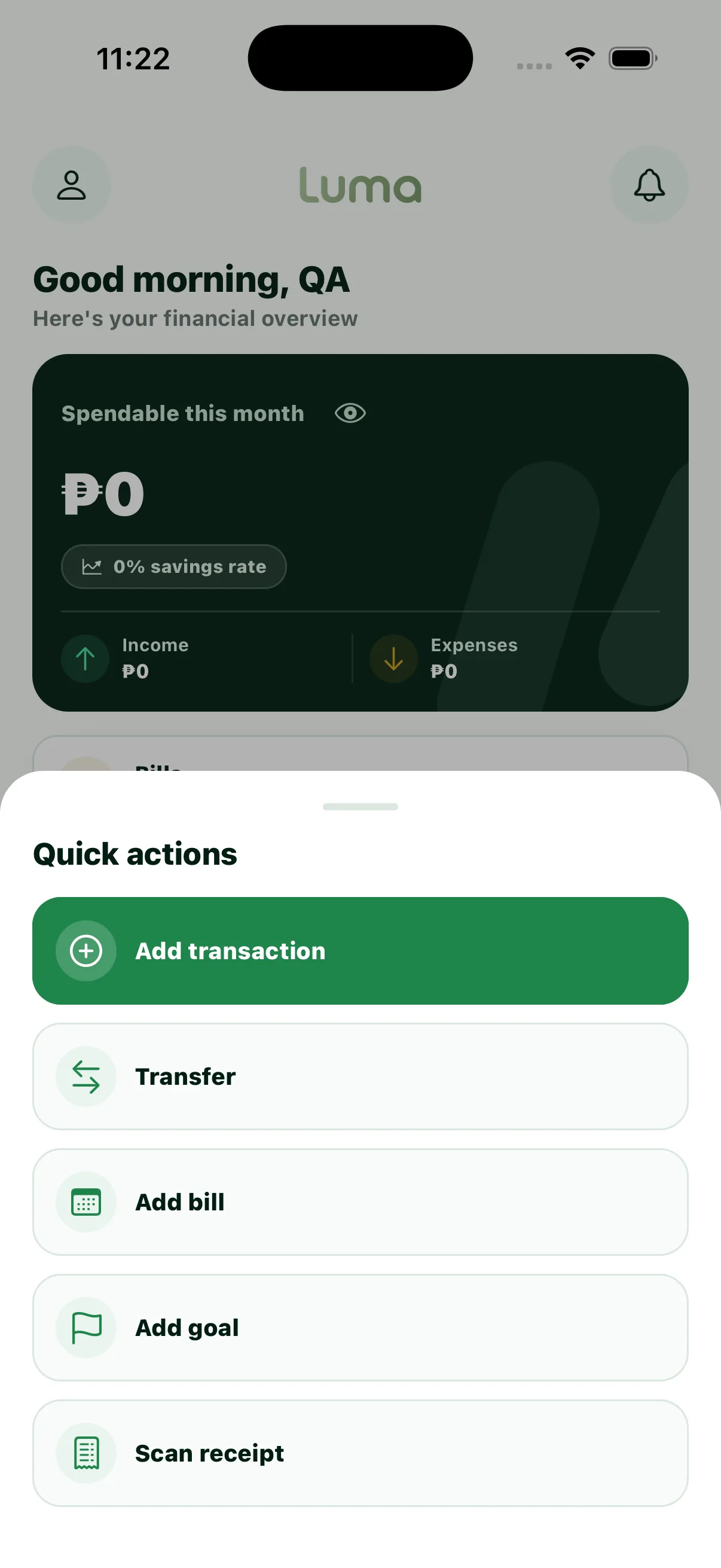
Luma Quick Actions screen
Quick Actions
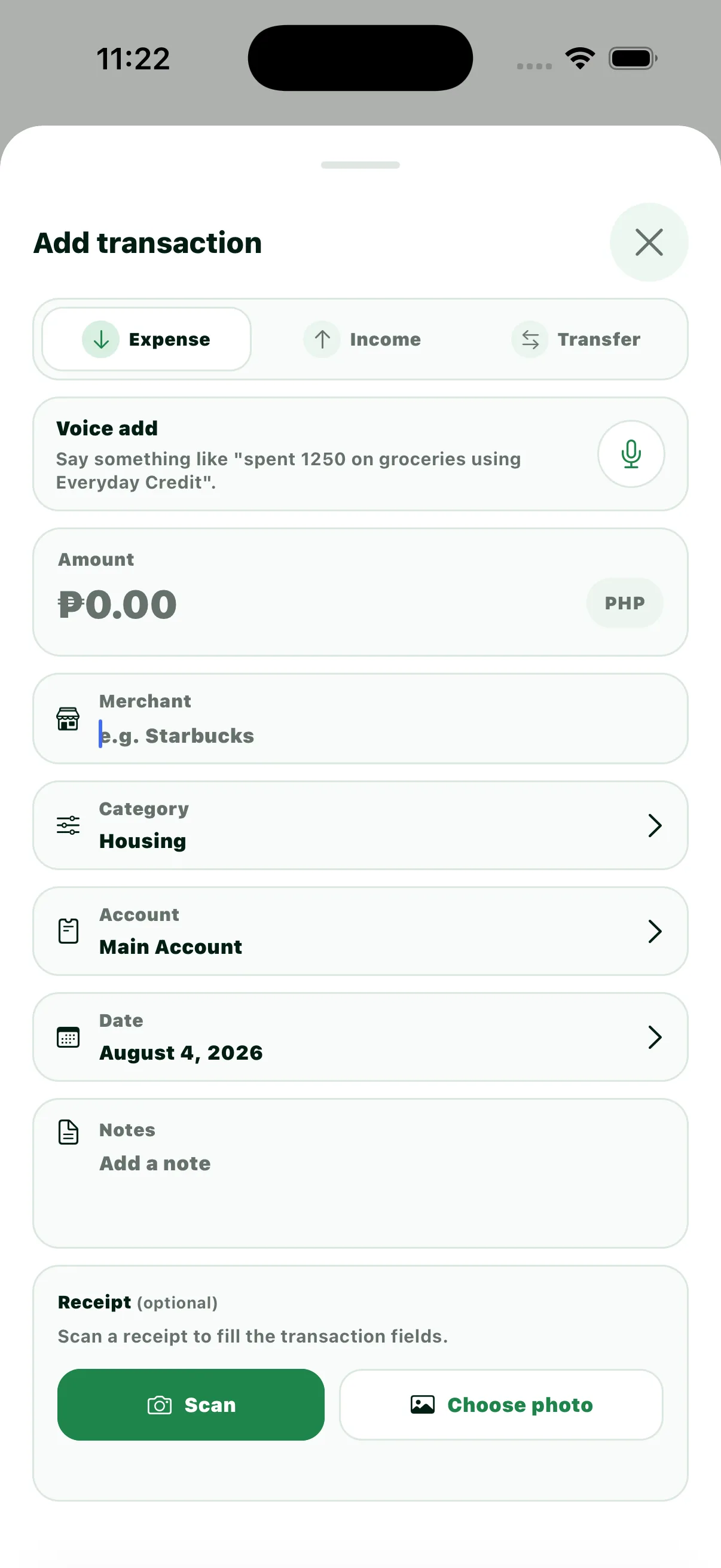
Luma Add Transaction screen
Add Transaction
Luma Transfer Money screen
Transfer Money
Luma Add Bill screen
Add Bill
Luma Add Goal screen
Add Goal
Luma Add Account screen
Add Account
Luma Add Category screen
Add Category